Meditation, breathwork, stretching, focused work, a plank, a nap. Anything that wants a
gentle nudge instead of an alarm.
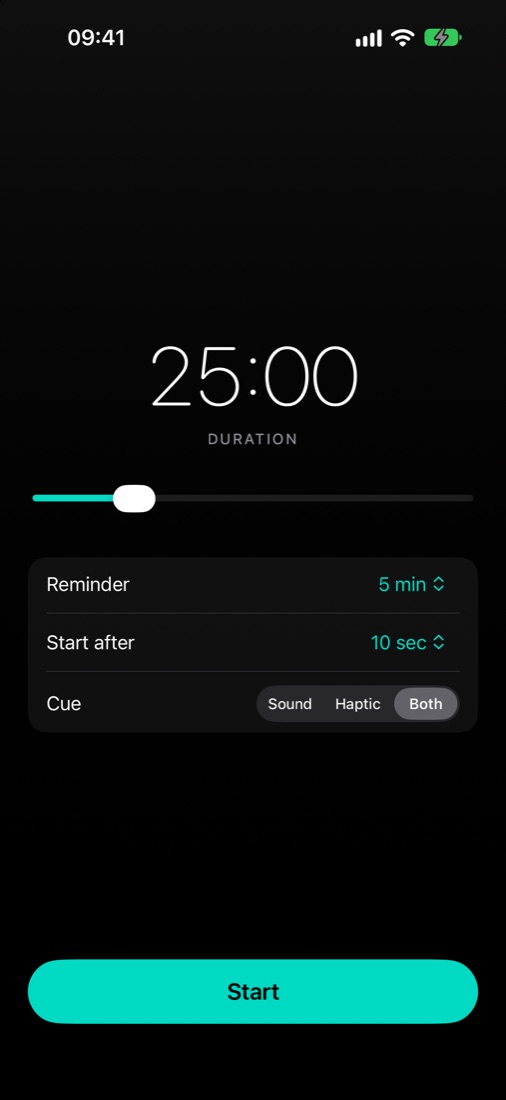
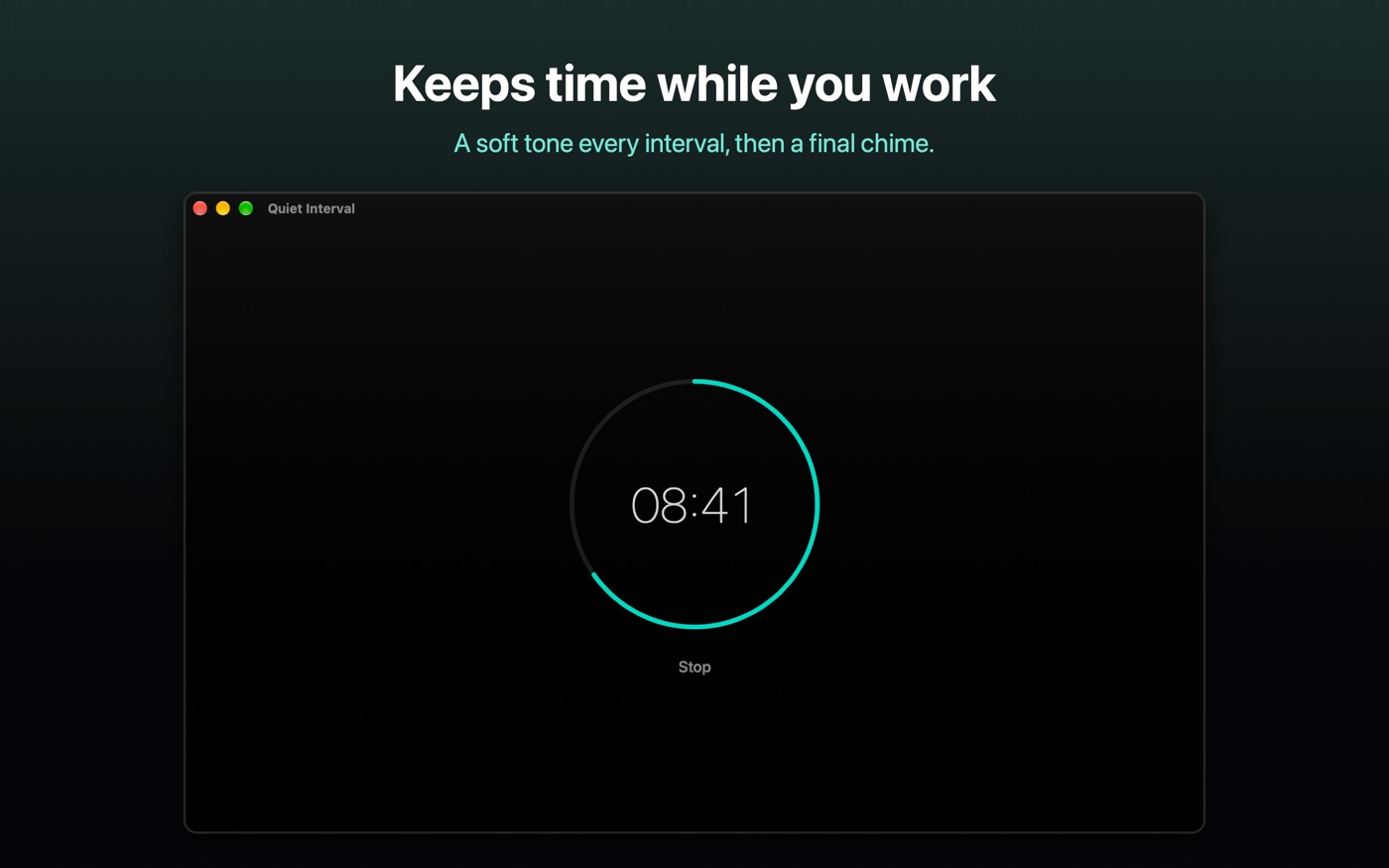
Reminder every interval
Every 30 seconds up to every 20 minutes, or off. Each reminder is
a short, soft bell tone, and the end of the session gets a deeper one.
Sound, haptic or both
On iPhone, choose a tone, a tap, or both. Tones mix with whatever
you are listening to instead of stopping it.
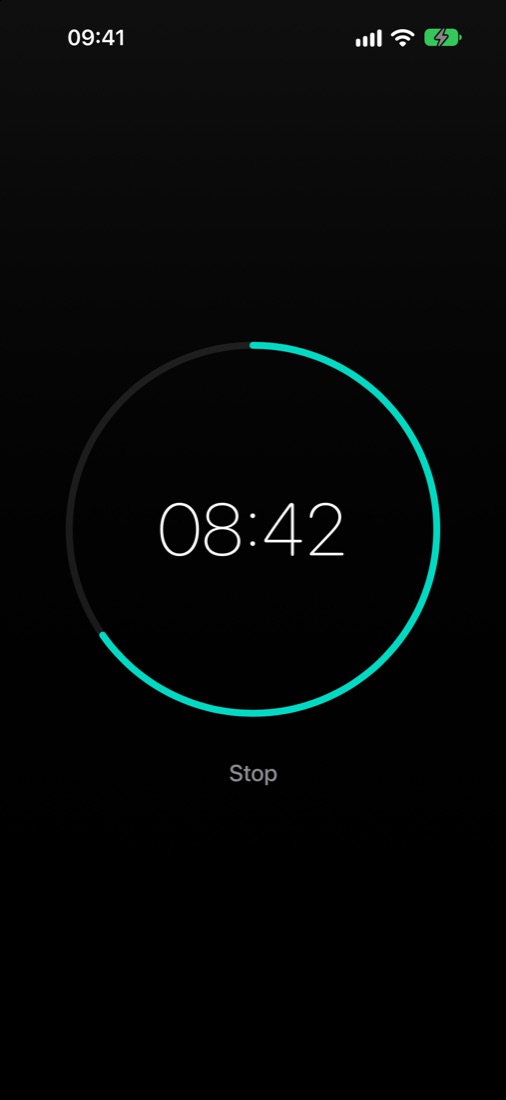
Keeps time when locked
Cues are scheduled to the sample, so they land on time with the
phone in your pocket, the screen off and the ring switch on silent.
A moment to settle
Start after 5, 10, 15 or 30 seconds, so you can put the phone down
and get comfortable before the clock begins.
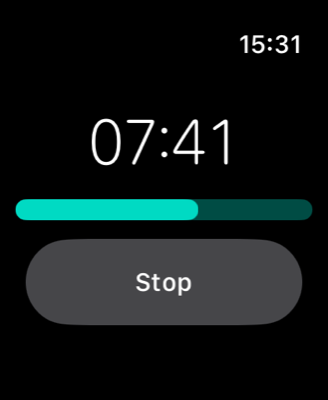
On your wrist
The Apple Watch app runs on its own and taps your wrist for each
reminder, even with your arm down, for sessions up to an hour.
Private by design
No account, no sign-in, no analytics. Your settings stay on your
device, and nothing is ever sent anywhere.